Upgrading App Builder
To check if there are updates available for the App Builder for your project, do the following:
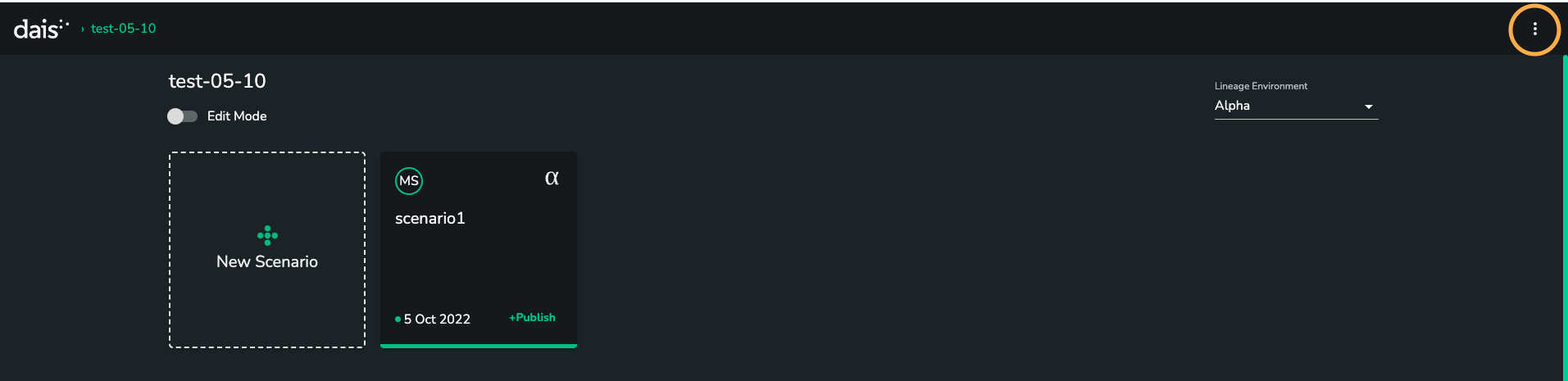
- Enter admin screen through the 3 dots in the top right hand side
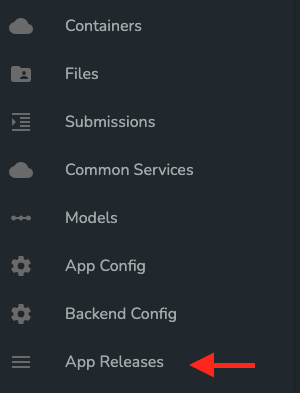
- Go the ‘App Releases’ panel
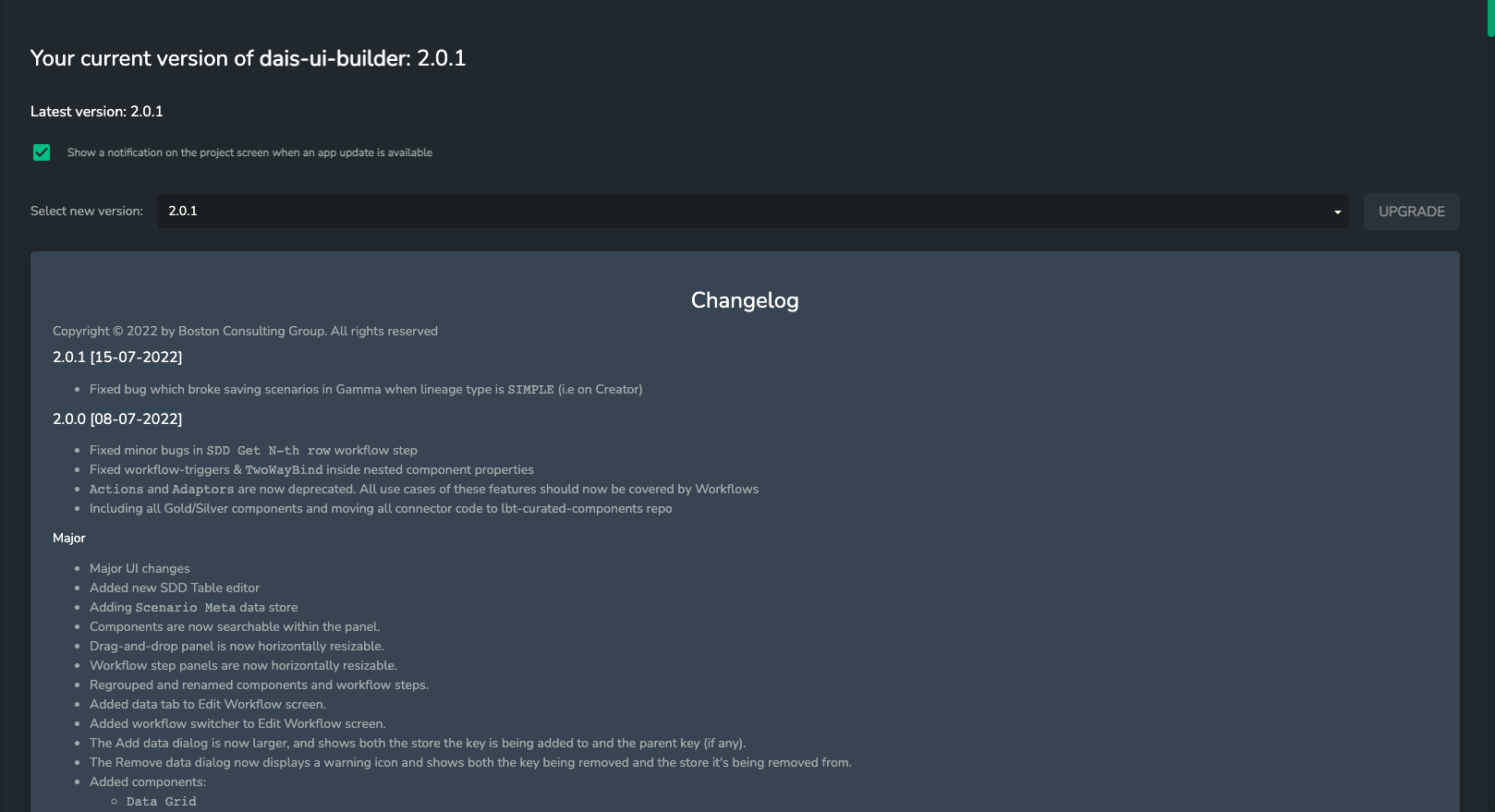
- Here you can view the available versions. If there is a new version available, select it in the dropdown and hit Upgrade. You should read the changelog before updating. You can also specify if you want to display a notification on the projects screen if there is an update available.
- Navigate to a scenario for your app. If there are any data migrations needed for the new version of the App Builder, a wizard should pop-up walking you through them.